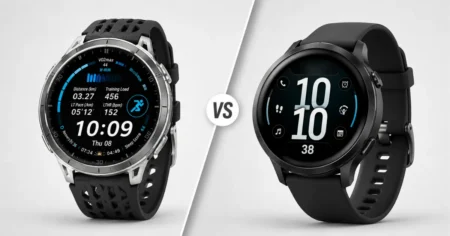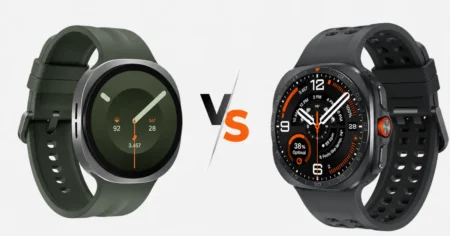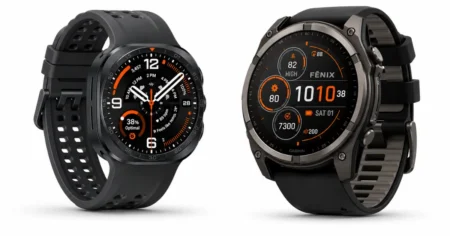

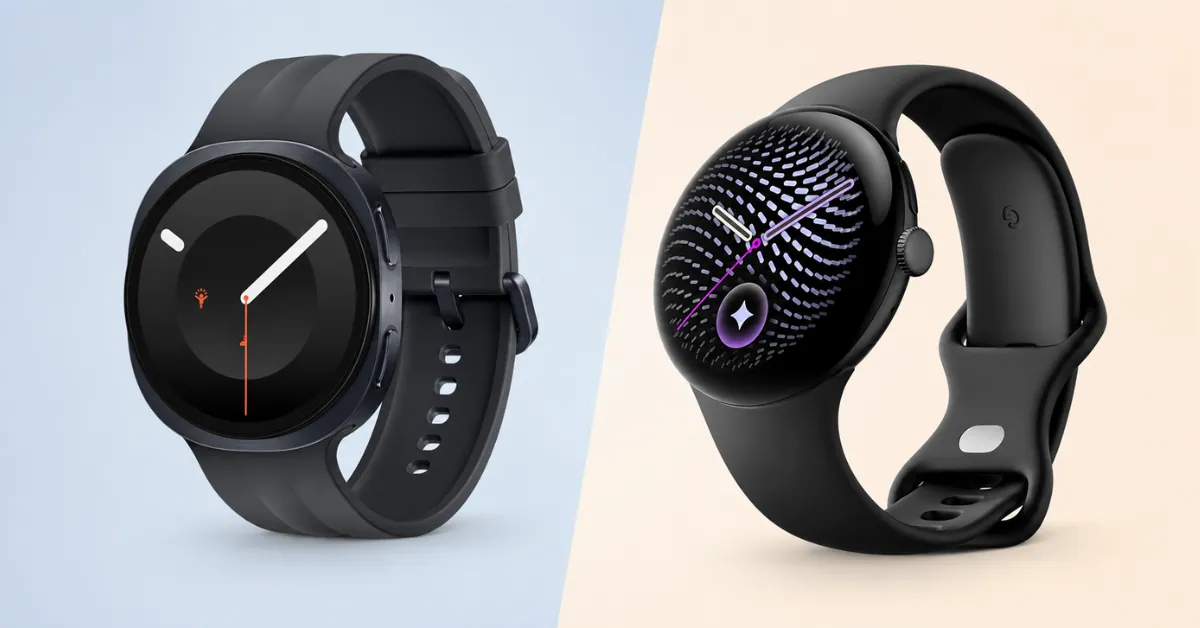
Both watches launched within weeks of each other this August, both run Wear OS 7, and both hit the same 3,000-nit peak brightness. On paper, that makes them look nearly interchangeable.
They aren’t. Samsung built a health-measurement device with a tougher shell; Google built a watch that leans on software to make GPS and health data more useful after it’s collected.
We’ve covered Pixel Watch 5’s full specs & review and Samsung Galaxy Watch 9: The Chip Surprise, Full Specs separately — this is the guide for people deciding between the two.
Short on Time? Start Here
Own a Samsung phone, or want the toughest build and the most health sensors? → Galaxy Watch 9, starting at $379.99
Own any other Android phone, or want longer battery life and faster charging? → Pixel Watch 5, starting at $399.99
Both watches also come in two sizes, and each size comes in two connectivity styles — Galaxy Watch 9 offers Bluetooth or Cellular, while Pixel Watch 5 offers Wi-Fi or LTE, with the cellular-capable version costing more either way.
If that’s not enough to decide which watch, the table below sorts you by what you actually care about — then the pricing table further down sorts you by size and connectivity.
| If you’re this kind of buyer… | …you probably want |
|---|---|
| “I already own a Samsung phone” | Galaxy Watch 9 — deeper features unlock only with a Samsung phone |
| “I own a Pixel, OnePlus, Motorola, or other Android phone” | Pixel Watch 5 — no brand-specific feature restrictions |
| “I want the most health data points possible” | Galaxy Watch 9 — body composition, blood pressure estimate, sleep apnea detection |
| “I care more about battery life than sensor count” | Pixel Watch 5 (45mm) — genuinely longer battery, faster charging |
| “I’m hard on watches — drops, knocks, job sites” | Galaxy Watch 9 — sapphire crystal, MIL-STD-810H rating |
| “I want the thinnest, most comfortable watch” | Galaxy Watch 9 — 8.6mm vs. 12.3mm |
| “I run or hike in cities or dense trail cover” | Pixel Watch 5 — GPS uses map-based signal correction for tricky terrain |
| “I want a subscription-free health platform” | Galaxy Watch 9 — Samsung’s health suite has no paywall |
| “I want the fastest chip, full stop” | Galaxy Watch 9 — newer 3nm Snapdragon Wear Elite platform |
| “I want a watch that stays usable years from now” | Pixel Watch 5 — extra RAM and storage tend to age better than raw chip speed |
Still torn? That usually means two of these rows are pulling you in different directions — which is exactly what the rest of this guide untangles.
Google Pixel Watch 5 vs Samsung Galaxy Watch 9 At a Glance
| Pixel Watch 5 | Galaxy Watch 9 | |
|---|---|---|
| Starting price | $399.99 (41mm) | $379.99 (40mm) |
| Case sizes | 41mm, 45mm | 40mm, 44mm |
| Weight | 31g / 36.7g | 31.5g / 34g |
| Thickness | 12.3mm | 8.6mm |
| Display | LTPO AMOLED, 1–60Hz, 3,000 nits | Super AMOLED, 3,000 nits |
| Display protection | Gorilla Glass 5 | Sapphire crystal |
| Durability rating | IP68, 5 ATM | IP68, 5 ATM, MIL-STD-810H |
| Chip | Snapdragon W5 Gen 2 Accelerated + Cortex-M55 coprocessor | Snapdragon Wear Elite (3nm) |
| Storage / RAM | 64GB / 3GB | 32GB / 2GB |
| GPS | Dual-frequency: GPS, Galileo, GLONASS, BeiDou, QZSS | Dual-frequency: L1 + L5 |
| Battery (large size, AOD on) | Up to 40 hrs | Up to 30 hrs |
| Full charge time (large size) | ~60 min | ~90 min |
| Body composition sensor | No | Yes (BIA) |
| Phone requirement | Android 12+ | Android 13+ (Samsung features need a Galaxy phone) |
Picking Your Size and Connectivity
Both watches come in four buyable configurations — two sizes, each available in two connectivity styles (Bluetooth or Cellular for Galaxy Watch 9; Wi-Fi or LTE for Pixel Watch 5).
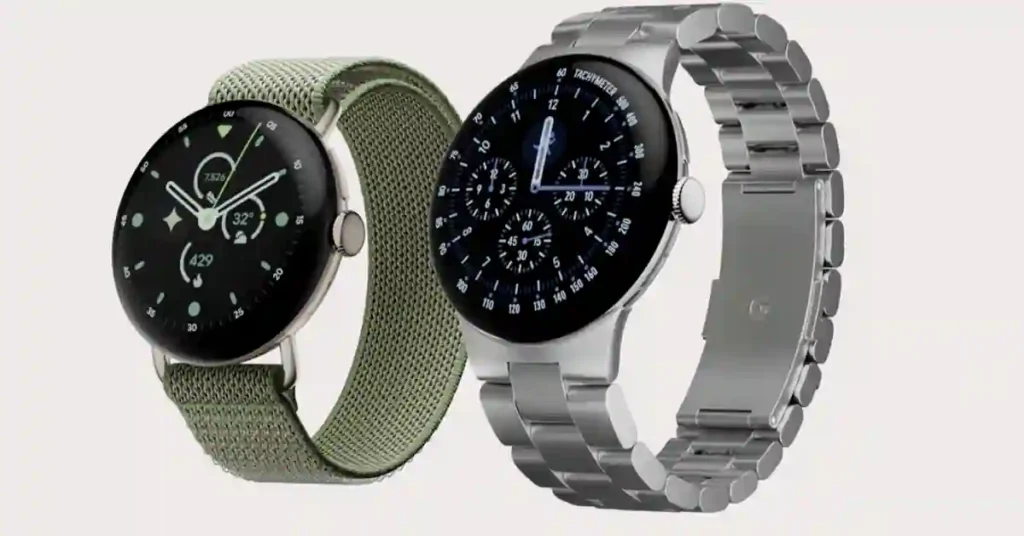
The size decision is usually simple (bigger screen and better battery vs. a lighter watch on smaller wrists); the cellular decision is where people overspend without meaning to.
Galaxy Watch 9 pricing:
| Size | Bluetooth | Cellular |
|---|---|---|
| 40mm | $379.99 — Check on Amazon | $429.99 — Check on Amazon |
| 44mm | $409.99 — Check on Amazon | $459.99 — Check on Amazon |
Pixel Watch 5 pricing:
| Size | Wi-Fi | LTE |
|---|---|---|
| 41mm | $399.99 — Check on Amazon | $449.99 — Check on Amazon |
| 45mm | $429.99 — Check on Amazon | $529.99 — Check on Amazon |
LTE/Cellular adds $50 at every size on both watches, and it’s worth being honest about who actually needs it: standalone cellular means calls, messages, and streaming work without your phone nearby — genuinely useful for running or swimming without your phone, less useful if your phone is almost always within Bluetooth range anyway.
It also isn’t free ongoing — cellular models need an active line on a compatible carrier plan, on top of the higher upfront price. Unless you specifically leave your phone behind during workouts, the Wi-Fi/Bluetooth version covers most people’s actual use case for $50 less at every size.
Where the Spec Sheet Doesn’t Tell the Whole Story
A table like the one above is where most comparisons stop. It’s also where a few of these numbers start to mislead you.
Chip speed vs. chip usefulness
Samsung’s 3nm Snapdragon Wear Elite is the newer, faster silicon on paper. Google kept the same Snapdragon W5 Gen 2 Accelerated family, claiming roughly 12% more CPU power and about 20% faster overall performance than Pixel Watch 4 — real, but incremental.
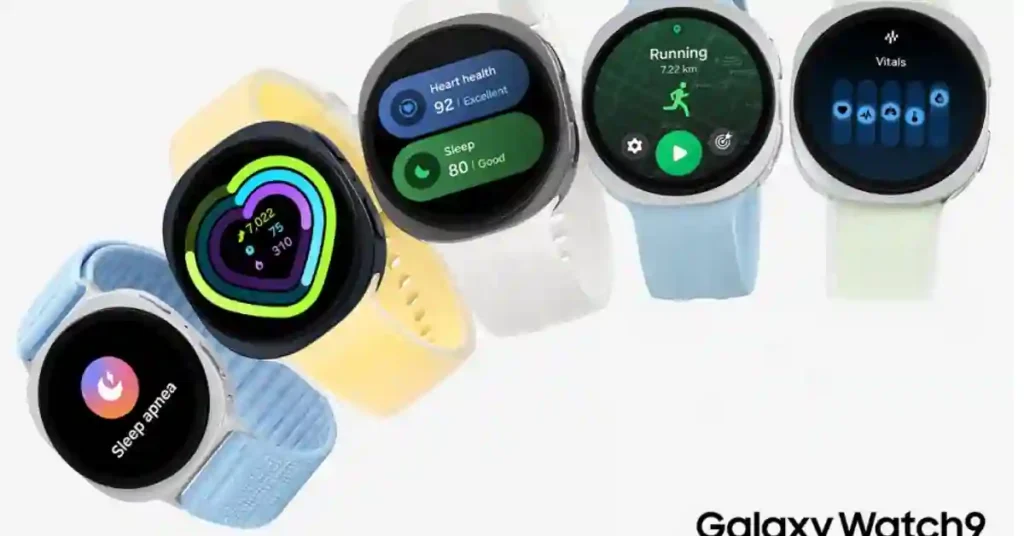
Where Google actually moved the needle is memory: Pixel Watch 5’s 3GB of RAM and 64GB of storage give it 50% more RAM and double the storage of Galaxy Watch 9’s 2GB and 32GB.
That gap matters more than it looks, because low RAM — not chip speed — is usually what makes a smartwatch start stuttering or force-closing apps a year or two into ownership, once software updates pile on.
Samsung is betting the faster chip absorbs that pressure over time; Google is betting extra headroom does.
Battery capacity vs. battery life
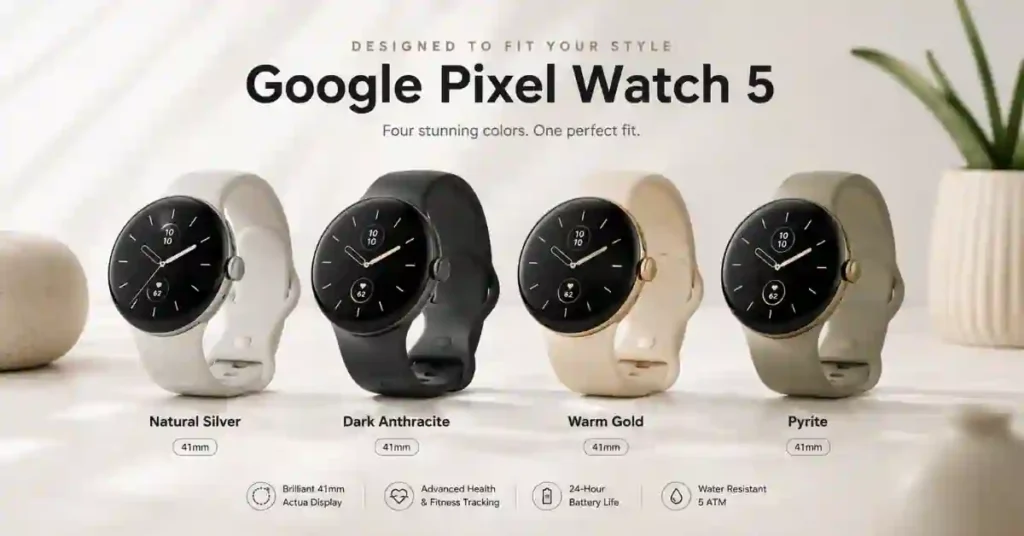
The 40mm Galaxy Watch 9 has a physically bigger battery (390mAh) than the 41mm Pixel Watch 5 (332mAh), yet both are rated for the same 30 hours with always-on display active.
The Pixel’s advantage only shows up at the larger size — 40 hours on the 465mAh 45mm model against 30 hours on Samsung’s 445mAh 44mm watch, despite Samsung’s cell being bigger.
Charging follows the same pattern: Pixel Watch 5 reaches about 50% in 15 minutes and fully charges in 45–60 minutes; Galaxy Watch 9 takes roughly 80–90 minutes.
Buying the smaller size of either watch? Most of this is a wash — it only becomes a real gap at 44/45mm.
More sensors isn’t automatically more useful
Samsung measures more directly — body composition, blood pressure trend, sleep apnea risk — but several need a Samsung phone and Samsung Health Monitor to fully function.
We’ve covered how Galaxy Watch blood pressure actually works separately, including a 28-day cuff recalibration requirement that catches new owners off guard — it’s real, but not “set it and forget it.”
Google measures less directly and instead flags changes in your baseline over time through its Health Guardian layer, explicitly framed as wellness trends rather than clinical readings — a meaningful distinction, not just softer marketing language.
Training tools reflect the same split
Samsung’s Fitness Index rolls VO2 max, body composition, heart rate, steps, and activity into one score, with adaptive Running Coach programs and a Daily Cardio Load metric for balancing training against recovery.
Google leaned harder into strength training this year — Pixel Watch 5 can guide a workout, log sets and reps, manage rest timers, and use Google Health Coach for customized sessions.
The catch: some of Health Coach’s deeper functionality needs a Google Health Premium subscription, so the watch’s sticker price isn’t necessarily the full cost of what Google is describing.
Dual-frequency GPS isn’t identical hardware wearing different logos
Samsung uses L1+L5 bands. Google’s dual-frequency GPS spans five satellite systems and adds cloud-based post-processing borrowed from Google Maps to model how signals bend around buildings, with weather-station data correcting for atmospheric interference.
Google claims meaningfully better route tracking than earlier Pixel Watches in difficult environments — a claim worth the usual skepticism owed to any manufacturer’s own numbers, but the underlying architecture genuinely differs, not just the marketing around it.
“Rugged” is the one category with no real trade-off
If physical durability is your actual priority, Galaxy Watch 9’s sapphire crystal and MIL-STD-810H rating are simply better specs — no software feature makes up for that on the Pixel side.
Thickness figures aren’t always perfectly comparable across brands since curved sensor housings get measured differently, but Samsung’s watch should still sit noticeably flatter in practice.
If durability is genuinely the deciding factor for you, it’s worth checking Galaxy Watch 9 against Samsung’s own Watch Ultra 2 before assuming the standard model is rugged enough.
Fall detection works similarly on both, with one catch
Either watch can send an automatic SOS alert with your location after detecting a hard fall. What catches people off guard is that fall detection isn’t on by default on Galaxy Watch 9 — it needs manual setup in the companion app.
Easy to miss if you’re buying this for a parent or older relative and assuming it’s active out of the box.
Pixel Watch 5 goes a step further on emergency safety
Beyond standard fall detection, Google is expanding on its existing Loss of Pulse Detection with a new breathing emergency feature that watches for a severe, sustained drop in blood oxygen and can contact emergency services automatically if you become unresponsive.
It’s launching first in parts of Europe, so it isn’t available everywhere yet, and Samsung doesn’t currently offer a direct equivalent.
Worth weighing on its own if you’re buying for solo outdoor activity, an aging parent, or anyone with a relevant health condition.
Same Wear OS, Different Software on Top
Both watches share Wear OS 7 underneath, along with Gemini, Google Maps, Gmail, Messages, Spotify, and the standard Wear OS app catalog — you’re not missing core apps either way.
The difference is what each company layers on top. Samsung adds One UI 9 Watch, which is where most of Galaxy Watch 9’s distinct widgets and health features actually live.
Google keeps Pixel Watch 5 closer to stock Wear OS, folding in Fitbit’s tracking history rather than adding a separate interface.
That also makes the old “Pixel Watch is the Google watch, Galaxy Watch is the Samsung watch” idea less useful than it once was — Galaxy Watch 9 still gets full Gemini and Google app support.
What you’re really choosing is how much of the day-to-day experience is shaped by Samsung’s software layer versus Google’s more minimal one, and whether Samsung’s phone-dependent health features are worth that trade for you.
So, Which One Should You Buy?
If you already own a Samsung phone, this is largely decided before you weigh anything else — several of Galaxy Watch 9’s best features only fully work paired with one, so switching to Pixel Watch 5 means giving up capabilities your hardware already supports.
If you’re on a Pixel, OnePlus, Motorola, or any other Android phone, Pixel Watch 5 doesn’t penalize you for that choice, while Galaxy Watch 9’s deeper features stay partly out of reach.
Outside that phone-based tiebreaker, it comes down to what you’re optimizing for. Galaxy Watch 9 is the stronger buy on hardware value alone — $20 cheaper, sapphire crystal, a MIL-STD-810H durability rating, a body-composition sensor, a noticeably thinner case, and the newer chip. If you want the most capable watch for the least money today, that’s Samsung’s case, and it’s a solid one.
Pixel Watch 5 is the better bet on where the experience goes from here. Real battery and charging advantages at the larger size, more RAM and storage to stay smooth as software updates pile on, a more sophisticated (if less proven) approach to GPS accuracy, and now a genuine edge on emergency safety with Loss of Pulse Detection and breathing emergency alerts.
None of that reads as clearly on a spec sheet as “sapphire crystal” does, but it’s a real bet that software will matter more two years into ownership than it does on day one.
Buy Galaxy Watch 9 if you want the most complete watch today and either own a Samsung phone or don’t mind the phone-dependent trade-off.
Buy Pixel Watch 5 if you want a watch built to hold up better over time, want battery life you won’t think about, or want the strongest safety net Wear OS currently offers — and you’re not locked into Samsung’s ecosystem already.

Frequently Asked Questions
Can I use Galaxy Watch 9 with a Pixel or OnePlus phone?
Yes, technically — Galaxy Watch 9 runs Wear OS 7 and pairs with any Android 13+ phone. But several standout features, including blood pressure trends and body composition, are gated behind a Samsung phone and the Samsung Health Monitor app. On a non-Samsung phone, you’re paying for hardware you can’t fully access.
Does either watch work with an iPhone?
No. Both are Wear OS devices built for Android — Pixel Watch 5 needs Android 12+, Galaxy Watch 9 needs Android 13+. Neither pairs with an iPhone.
Do I need a subscription to get the full experience on either watch?
Potentially, on the Google side — some of Pixel Watch 5’s advanced Health Coach features require a Google Health Premium subscription. Samsung’s core health suite (Fitness Index, Running Coach, Daily Cardio Load) doesn’t currently sit behind a paywall, which is worth weighing against the $20 price difference at checkout.
Should I wait for the next generation instead?
If you don’t need a watch immediately, waiting is reasonable — both companies update annually. But if either watch already fits how you’d use it today, year-over-year changes on both lines have been incremental rather than dramatic, so waiting mostly costs you time with an older watch rather than guaranteeing a much better one next year.
Specifications and pricing reflect official manufacturer data as of mid-August 2026. Battery life and health-feature availability vary by region, phone pairing, and usage.