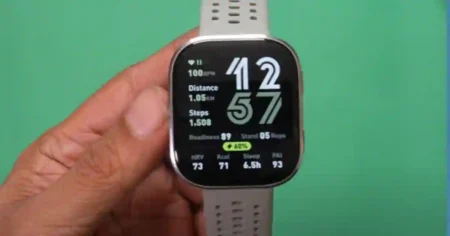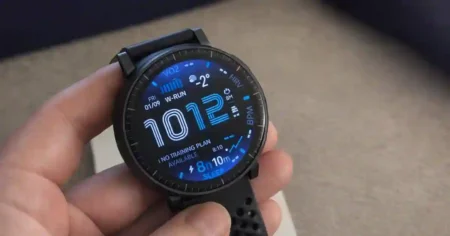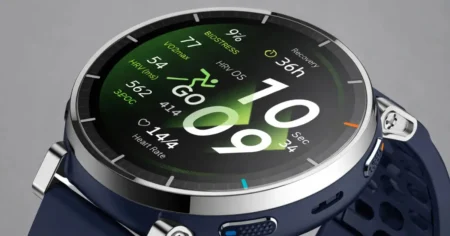

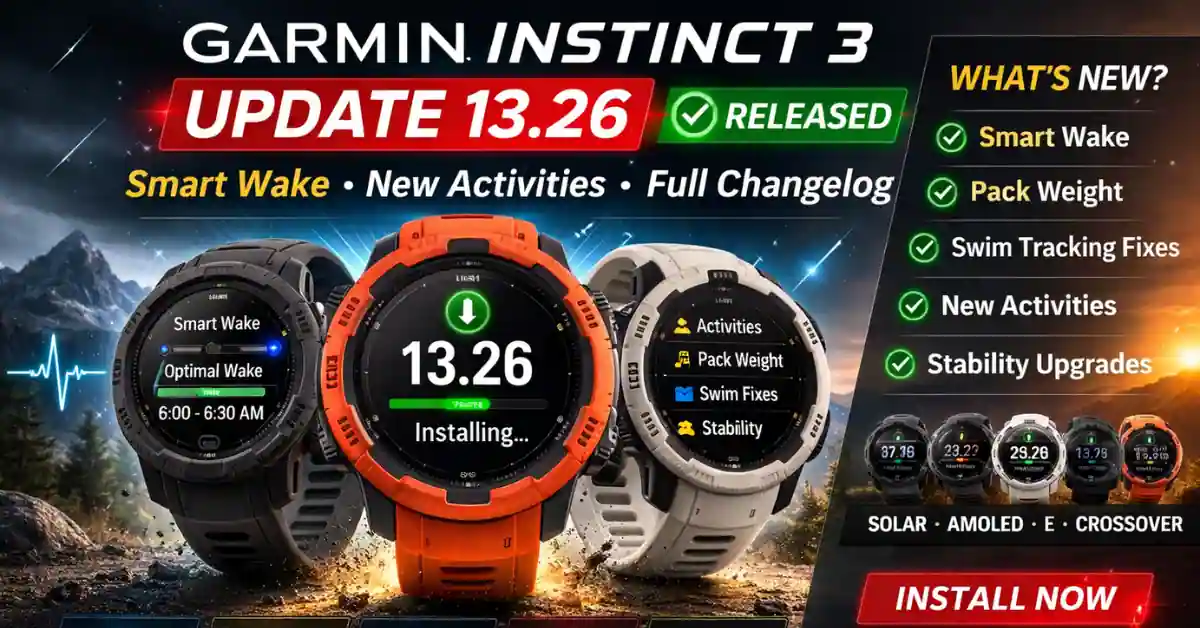
Garmin has officially released Stable System Software 13.26 for the Garmin Instinct 3 Solar, Garmin Instinct 3 AMOLED, and Garmin Instinct E.
The rollout is now confirmed at 100%, meaning all supported models should receive the firmware automatically.
This update introduces Smart Wake alarm support, new activity tracking modes, Pack Weight support, swim accuracy fixes, and multiple system stability improvements.
Here’s the full breakdown — plus what actually matters for users.
Garmin Instinct 3 Update 13.26 – What’s New?
Smart Wake Alarm Support (Major Addition)
Version 13.26 adds Smart Wake, allowing alarms to trigger during lighter sleep stages within a selected wake window.
Instead of waking you at a fixed time, the device intelligently detects optimal wake timing. Garmin also fixed a potential crash when enabling Smart Wake for the first time, ensuring stable operation.
This is one of the most meaningful sleep-related upgrades for the Instinct 3 series so far.
New Activities & Training Enhancements
Garmin expands activity support in 13.26 with:
- Treadmill Walk activity
- Ability to save distance in Indoor Row
- Pack Weight support in Stair Stepper and Floor Climb (Solar / AMOLED / Crossover)
- Training Readiness refinements
Pack Weight improves calorie and effort accuracy when training with added load — especially useful for hikers and tactical users.
Swim Tracking Fixes & Improvements
This firmware resolves multiple swim tracking issues:
- Fixed incorrect swim times
- Corrected rest time errors
- Improved SWOLF score accuracy
- Fixed calorie miscalculations
- Restored missing training menu in Pool Swim
Swimmers should see more consistent and reliable tracking results.
inReach & Outdoor Communication Stability
For users relying on satellite features:
- View inReach data even without active connection
- Fixed Open connection notification issues
- Long inReach messages now display correctly
- Reduced lag in inReach glance
- Fixed ballistic data issue with 3rd-party laser range finders (Tactical models)
These changes improve reliability for backcountry and tactical use.
System Stability & Crash Fixes
Garmin resolved several potential crashes and bugs:
- Fixed crash when broadcasting heart rate
- Fixed crash when enabling Smart Wake
- Fixed startup crash issue
- Fixed crash when disconnecting from computer (Solar / E)
- Fixed duplicated workouts after editing in Garmin Connect Mobile
- Fixed sleep mode reactivating unexpectedly
- Corrected battery life estimate (Crossover)
- Fixed Strength activity weight-setting issue
- Fixed CIQ app icon display bug
- Fixed workout animation glitches
This makes 13.26 a significant stability-focused update.
Model-Specific Changes
Solar / AMOLED / Crossover
- Pack Weight support
- Training Readiness improvements
AMOLED / Crossover
- Improved notification icons
- CIQ icon fix
Solar / AMOLED
- New health features and short guided workouts for truck drivers
Crossover Only
- Additional watch faces
- Battery life estimate correction
- Workout animation fixes
Is Garmin Instinct 3 Update 13.26 Worth Installing?
Yes.
While not a major feature overhaul, version 13.26 improves:
- Sleep alarm intelligence
- Indoor training tracking
- Swim metric accuracy
- Tactical data reliability
- Overall system stability
For most users, updating is recommended.
How to Install Garmin Instinct 3 Software Update 13.26
To manually update:
Settings → System → Software Update
Ensure your watch is connected to Wi-Fi or synced through Garmin Connect.
Since rollout is complete, the update should be available immediately.
FAQ – Garmin Instinct 3 Firmware 13.26
Is update 13.26 stable?
Yes. Garmin has marked version 13.26 as a stable release with 100% rollout.
Does 13.26 improve battery life?
It corrects battery estimate inaccuracies on Crossover models and improves overall stability.
Which models support update 13.26?
Instinct 3 Solar, Instinct 3 AMOLED, Instinct E, and Crossover variants.
What is Smart Wake on Instinct 3?
Smart Wake triggers alarms during lighter sleep phases within a chosen window for a smoother wake-up experience.
source:- Garmin forums