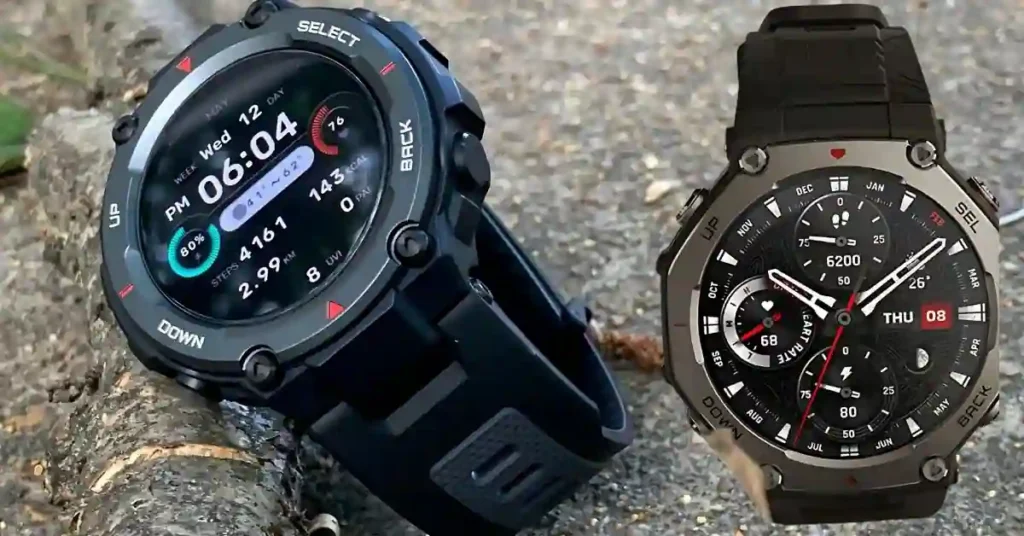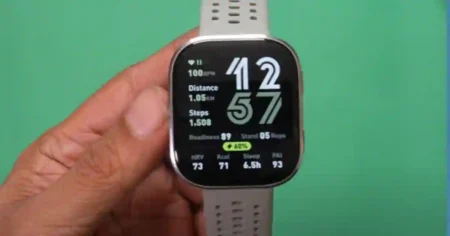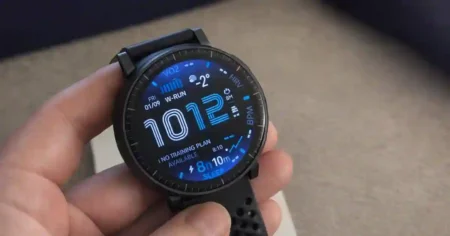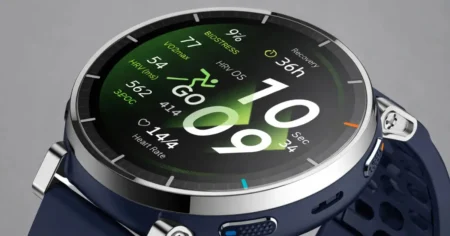

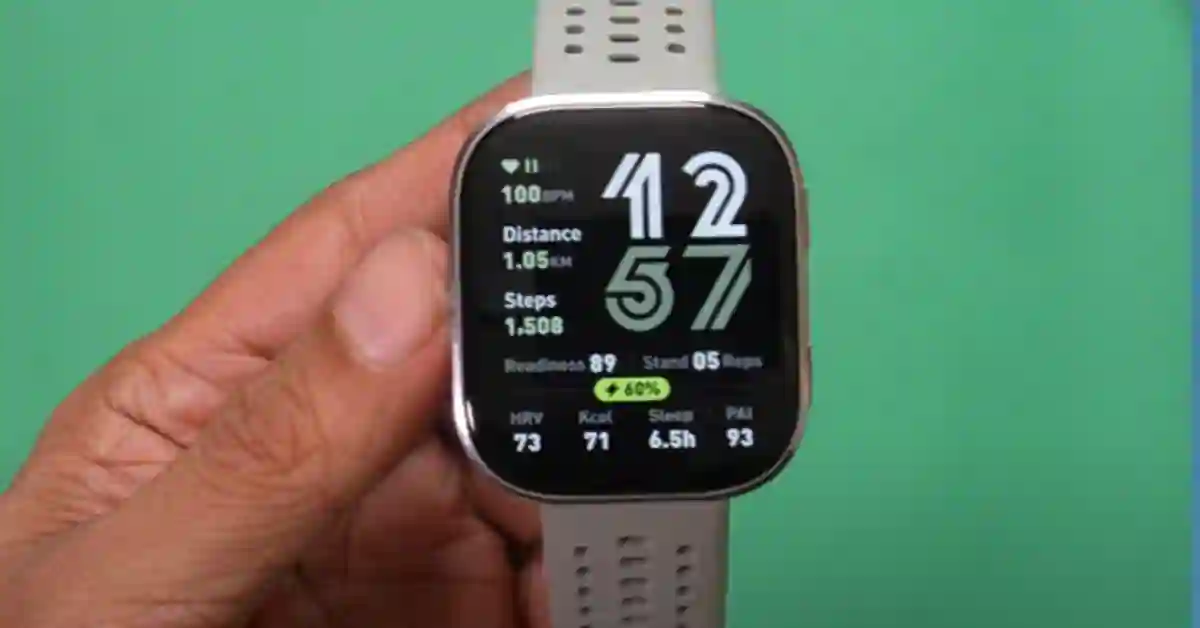
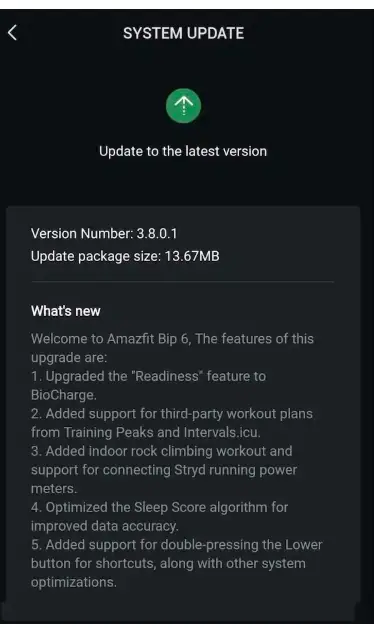
The Amazfit Bip 6 just received its most powerful software enhancement to date. Firmware version 3.8.0.1 is a comprehensive overhaul that bridges the gap between a budget wearable and a pro-level sports watch.
If you are a serious athlete or a data enthusiast, this update brings features previously exclusive to the flagship Amazfit T-Rex 3 and Balance 2.
Here is your definitive guide to mastering the new features.
1. BioCharge: Your New 24/7 Energy Monitor
The “Readiness Score” is officially gone, replaced by the more advanced BioCharge metric.
What is BioCharge?
Unlike the old static morning score, BioCharge is a dynamic energy “tank” that fluctuates throughout the day.
It doesn’t just look at how you slept; it calculates your current physical capacity based on:
- HRV (Heart Rate Variability): Real-time stress levels of your nervous system.
- Training Load: How much fatigue you carried over from yesterday’s session.
- Sleep Stages: Deep dive analysis into REM and Deep Sleep recovery.
Pro Tip: For the first 48–72 hours after updating, your BioCharge may seem lower than your old Readiness score. This is normal; the BioTracker™ sensor is recalibrating to the new algorithm.
2. Professional Ecosystem: TrainingPeaks & Intervals.icu
The Bip 6 now functions as a wrist-based coach by natively supporting third-party structured training plans.1
How to Sync Your Training Plan:
- Open the Zepp App > Profile > Add Accounts.
- Select TrainingPeaks (via Terra) or Intervals.icu and log in.
- On your Bip 6, go to Workouts > [Select Sport] > Training > Training Template.
- Your scheduled intervals and target heart rate zones will now guide you via wrist vibrations.
3. The Runner’s Secret: Native Stryd Support
This is the most important feature of the update. The Bip 6 now supports Stryd power meters, providing real-time wattage—a metric far more responsive than heart rate or pace.
| Feature | Stryd Integration Benefit |
| Instant Pacing | Zero GPS lag; perfect for city running or tree cover. |
| Power Zones | Stay in your “Running Power” zones for perfect pacing. |
| Air Power | Track how much energy you use fighting wind resistance. |
To Pair: Navigate to Settings > Bluetooth > Workout Accessories on your watch and select your Stryd pod.
4. Specialized Training: Indoor Rock Climbing & Hall Climbing
The 3.8.0.1 update introduces a dedicated Indoor Rock Climbing mode. This isn’t just a heart rate timer; it is specifically calibrated for:
- Short-Burst Intensity: Better HR tracking for the high-intensity anaerobic spikes during a difficult route.
- Hall Climbing Support: Optimized for gym environments where GPS is unavailable.
5. UI Upgrades: The Double-Press Shortcut
Version 3.8.0.1 makes the interface faster with a new customizable shortcut.
- How to set it: Go to Settings > Preferences > Double-press the lower button.
- Best use case: Set this to BioCharge for an instant energy check or Music Control for quick access during a workout.
FAQ: Troubleshooting the 3.8.0.1 Update
- Current Version: 3.8.0.1
- Why can’t I see the update? Rollouts are phased globally. Check the Zepp App > Profile > Bip 6 > System Update.
- Update Failed? Ensure your watch is at 50% battery and keep the Zepp app open on your phone screen during the transfer.
Comparison: BioCharge vs. Garmin Body Battery
| Metric | Garmin Body Battery | Amazfit BioCharge |
| Primary Input | HRV & Sleep | HRV, Sleep, & Training Load |
| Real-Time Updates | Yes | Yes |
| Training Focus | High | Extreme (focussed on fatigue) |
Final Verdict:
Firmware 3.8.0.1 turns the Amazfit Bip 6 into a elite training tool for under $100. It is a mandatory update for anyone serious about their data.