
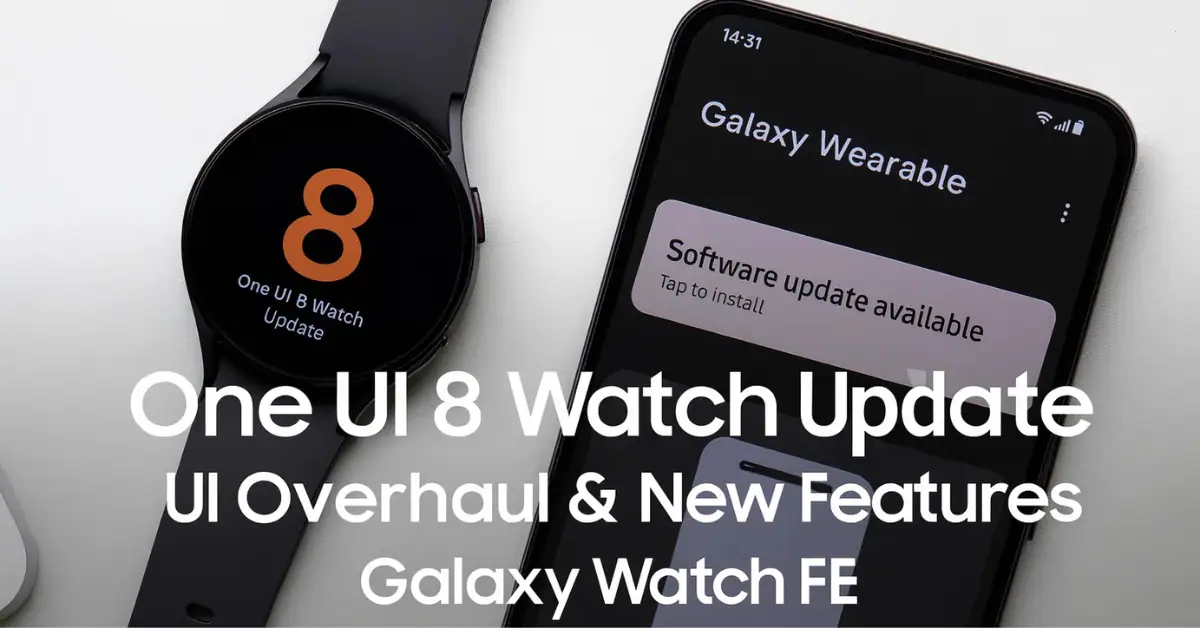
The highly anticipated One UI 8 Watch update is finally rolling out to the Galaxy Watch FE, marking a significant upgrade for Samsung’s mid-2024 Fan Edition wearable.
While the stable version of the update has been rolling out to its siblings—the Galaxy Watch Ultra, Watch 7, Watch 6, and Watch 5—for over four months, the FE model is now joining the party.
This is the second major One UI Watch update for the Galaxy Watch FE, which launched with One UI 5 Watch and previously received the One UI 6 Watch update late last year.
The update brings a fresh coat of paint and powerful new features powered by Wear OS 6.
South Korea Gets First Dibs on the Upgrade
The initial rollout for the Wear OS 6-based update has commenced in South Korea. Users there are receiving the update with the firmware version R861XXU1CYK6, which includes the October 2025 security patch.
This update isn’t just a minor patch; it delivers a major UI design overhaul alongside a host of new and improved features, aiming for a cleaner, more intuitive, and more modern experience. Key expected features include:
- Refreshed UI and Enhanced Animations: Expect a smoother, snappier experience with a visual redesign, including new charging animations and a cleaner interface.
- More innovative Health Features: Updates to health tracking like Bedtime Guidance for better sleep optimization, Vascular Load to measure stress on the vascular system, and the Running Coach for personalized training strategies.
- Upgraded Tiles System: A more customizable and efficient system for viewing essential information at a glance.
- The Now Bar: This feature, familiar from the mobile version of One UI, makes your current activities and essential notifications more accessible.
The Next Wave is Coming: Industry watchers speculate that the update will be released outside of Korea sometime next week, so global users should keep a close eye on their notifications./
How to Install the One UI 8 Watch Update
For those lucky Galaxy Watch FE owners in South Korea—and soon, the rest of the world—here is how you can grab the new firmware:
- Open the Galaxy Wearable app on your paired smartphone.
- Navigate to Watch settings.
- Select Watch software update.
- Tap download and install.
- Once the download is complete, tap the Install now button.
The process will take a few minutes as your Galaxy Watch FE restarts to complete the installation, and then you’ll be ready to explore all the new features.
A Promising Sign for the Galaxy Watch 4 Faithful
The Galaxy Watch FE is a rebadged version of the Galaxy Watch 4, and its receiving of this major update is fantastic news.
Samsung previously promised the One UI 8 Watch update for the older Galaxy Watch 4 series as well.
The rollout to the FE strongly suggests that the final major OS update for Samsung’s first Wear OS-based smartwatch is imminent, likely arriving in the coming weeks.
This update cycle underscores Samsung’s commitment to delivering a consistent and feature-rich experience across its Wear OS portfolio, breathing new life into older and Fan Edition models alike.
What new One UI 8 Watch feature are you most excited to try out on your Galaxy Watch FE? Let me know in the comments below.